Edit photo Exif
Change the date taken, location, camera model and author of photos without losing quality.
1. Choose photos to edit
Works with JPEG, PNG, WebP and HEIC (iPhone photos). Choose as many as you like.
Drag and drop images here
or
2. Choose what to change
The same changes are written to every photo you chose.
3. Download them all
Save all the edited photos in one ZIP file.
Everything happens on this device. Your images are never uploaded.
Quality doesn't change. The image itself is left untouched; only the details are rewritten.
Found it useful? We'd love a share
How to use
1. Choose photos
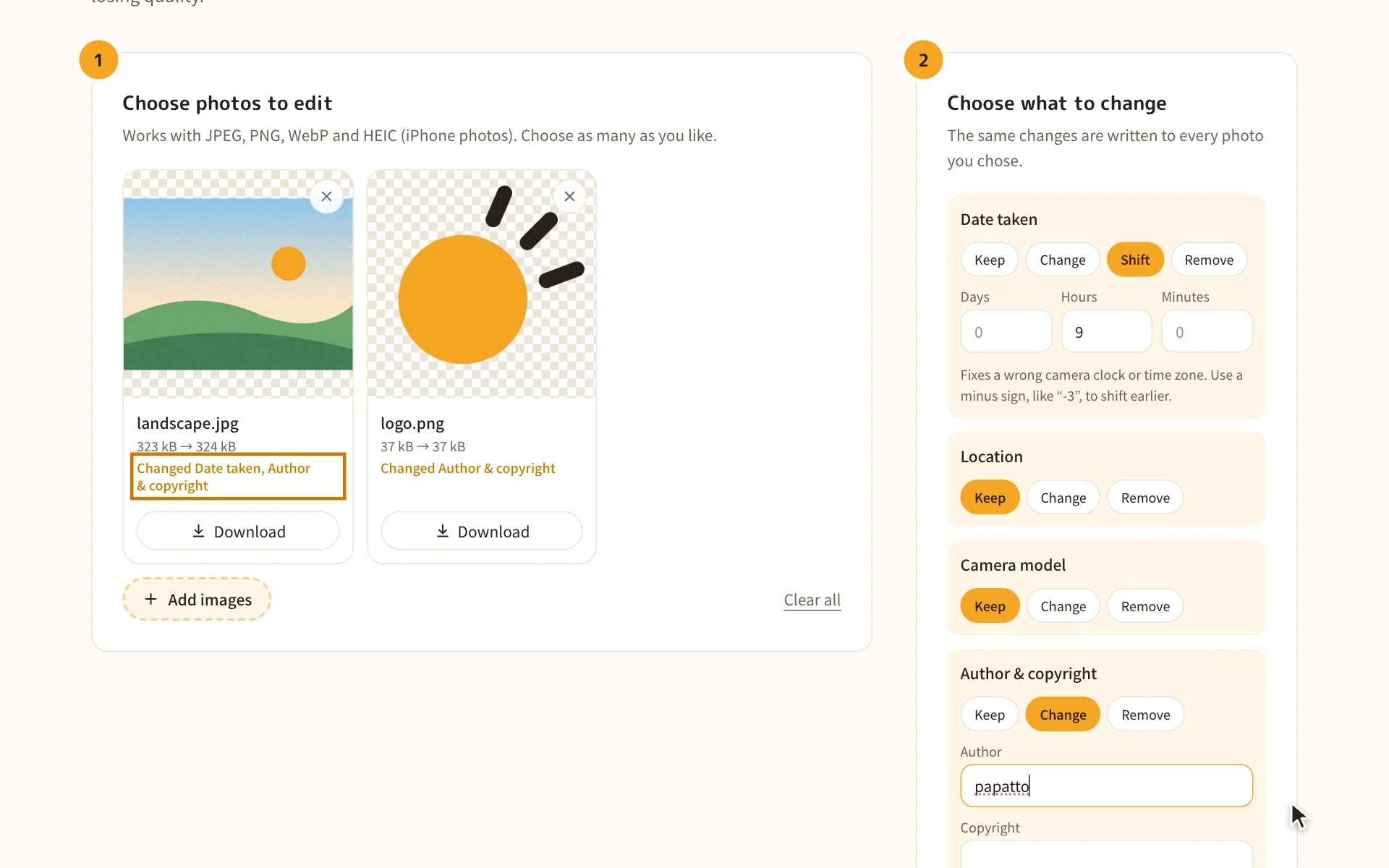
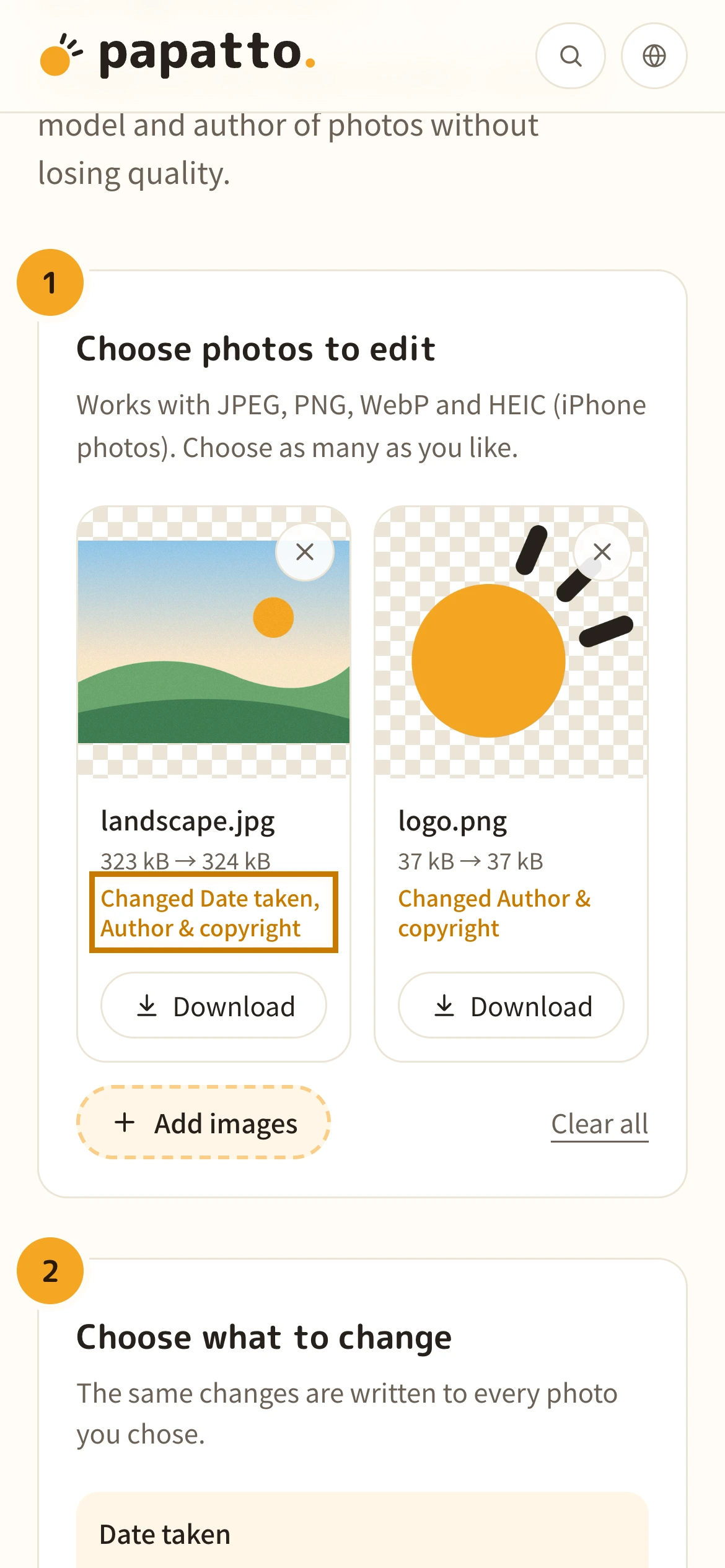
Tap “Choose files” and pick the photos to edit. Each photo shows its current date taken and location.
Drag and drop the photos anywhere on the page, or use “Choose files”. Each photo shows its current date taken and location.
2. Decide what to change
For each item, choose “Keep”, “Change” or “Remove” and enter the new value. For the date taken, “Shift” fixes a wrong camera clock or time zone for all photos at once.
For each item, choose “Keep”, “Change” or “Remove” and enter the new value. For the date taken, “Shift” fixes a wrong camera clock or time zone for all photos at once.
3. Check the changes
What you enter is written to every chosen photo right away. Each photo shows which items were changed.
What you enter is written to every chosen photo right away. Each photo shows which items were changed.
4. Download
Use “Download all as ZIP” to save every photo at once. On iPhone, files are saved to Downloads in the Files app.
Use “Download all as ZIP” to save every photo at once. To save one at a time, use each photo's “Download” button.
When it helps
Fix photos taken with a wrong camera clock
If you forgot to set the clock, shift all the dates by the same amount to get the right times.
People who shoot with a camera
Put phone and camera photos in time order
When each device's clock is off, albums get mixed up. Photos taken abroad without changing the time zone line up again once shifted.
People who organize trip or event photos
Add the date to scanned old photos
Scanned photos have no date taken, or the date of the scan. Add the real date so they sort by year in your albums.
People who organize old photos
Add an author and copyright to photos
Put the photographer's name and a copyright notice in photos you publish. Many photo apps and editors show them.
People who publish photos
Good to know before you start
- If you only want to remove location and other details, Remove photo location (Exif) is simpler.
- It can't change how a photo looks (brightness, cropping and so on).
- An edited date doesn't prove when a photo was really taken. Keep records and evidence photos unedited.
About the date taken and location in Exif
Photo apps and albums sort photos by the date taken stored in Exif. If the camera clock was off, or you shot abroad without changing the time zone, the order gets mixed up.
Location is stored as latitude and longitude numbers. Pick a place in a map app to check or copy those numbers.
FAQ
Answers to the things people most often wonder about before using it.
Are my photos sent anywhere?
No. Everything happens inside your browser on your own device. Your photos are never uploaded to a server.
Which dates are changed?
The date taken, the date digitized and the modified date are all set to the same value. When shifting, all three move by the same amount.
How do I fix a time zone?
If the camera was on your home time and you shot in a place 8 hours behind, enter “-8” in Hours. For a place ahead of home, enter a positive number.
Where do I find latitude and longitude?
Long-press a place in Google Maps (right-click on a computer) to see numbers like “35.6586, 139.7454”. Copy them and paste as they are.
Does quality drop?
No. The image data is left untouched and only the details are rewritten, so the photo looks exactly the same.
Does it work with iPhone photos (HEIC)?
Yes. It edits them while keeping the HEIC format. In browsers other than Safari, showing the photo in the list can take a few seconds.
Do the file's created and modified dates change too?
On your computer, the file dates become the time you downloaded it. Most photo apps sort by the date taken in Exif rather than the file dates.
Is the original photo kept?
The original is unchanged. Edited photos download as separate files.
Is it free?
Yes. No sign-up, and no ads.
More tools
- Remove photo location (Exif)
Remove location, date taken and other details from photos without losing quality.
- Mosaic & blur images
Hide names, addresses, faces and more in screenshots and photos with mosaic or solid boxes.
- Extract colors from an image
Pull out the colors used in an image and show them as color codes (HEX, RGB).
- Convert images to WebP
Turn PNG or JPEG into WebP, a lighter format that still looks great.
- Convert images to PNG
Turn JPEG or WebP into PNG, a format that never loses quality.
- Convert images to JPG
Turn PNG or WebP into JPG (JPEG), a format that opens anywhere.