Make images lighter or convert them
Convert images to WebP
Turn PNG or JPEG into WebP, a lighter format that still looks great.
1. Choose images to convert
Works with PNG, JPEG, GIF and BMP.
Drag and drop images here
or
2. Choose quality
Lower numbers mean smaller files. Changes apply right away.
3. Download them all
Save all converted images together in one ZIP file.
Everything happens on this device. Your images are never uploaded.
Animated GIFs keep only the first frame.
How to use
1. Choose images
Tap “Choose files” and pick the photos you want to convert. You can pick as many as you like.
Drag and drop images anywhere on the page, or use “Choose files”. You can add as many as you like.
2. They convert right away
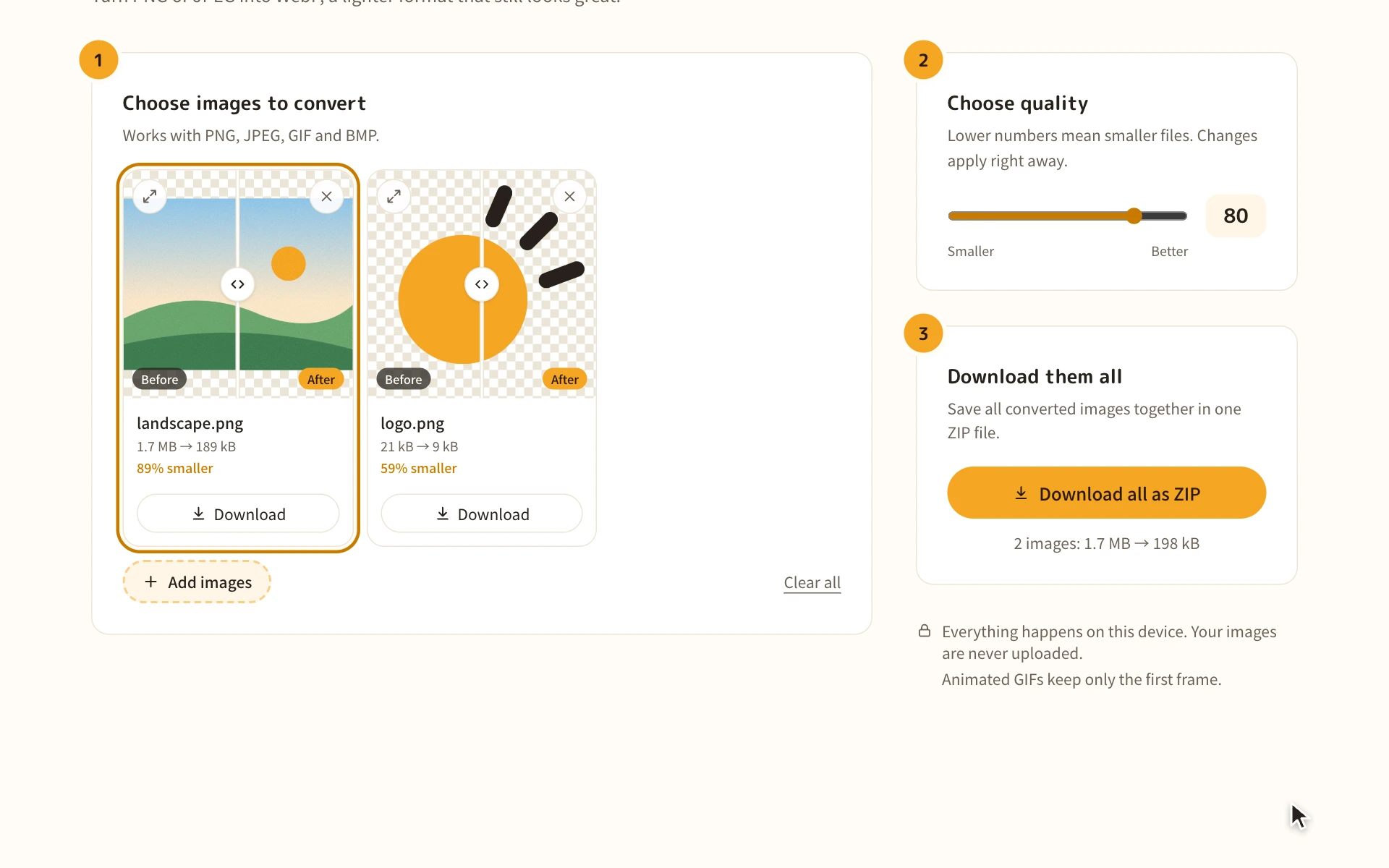
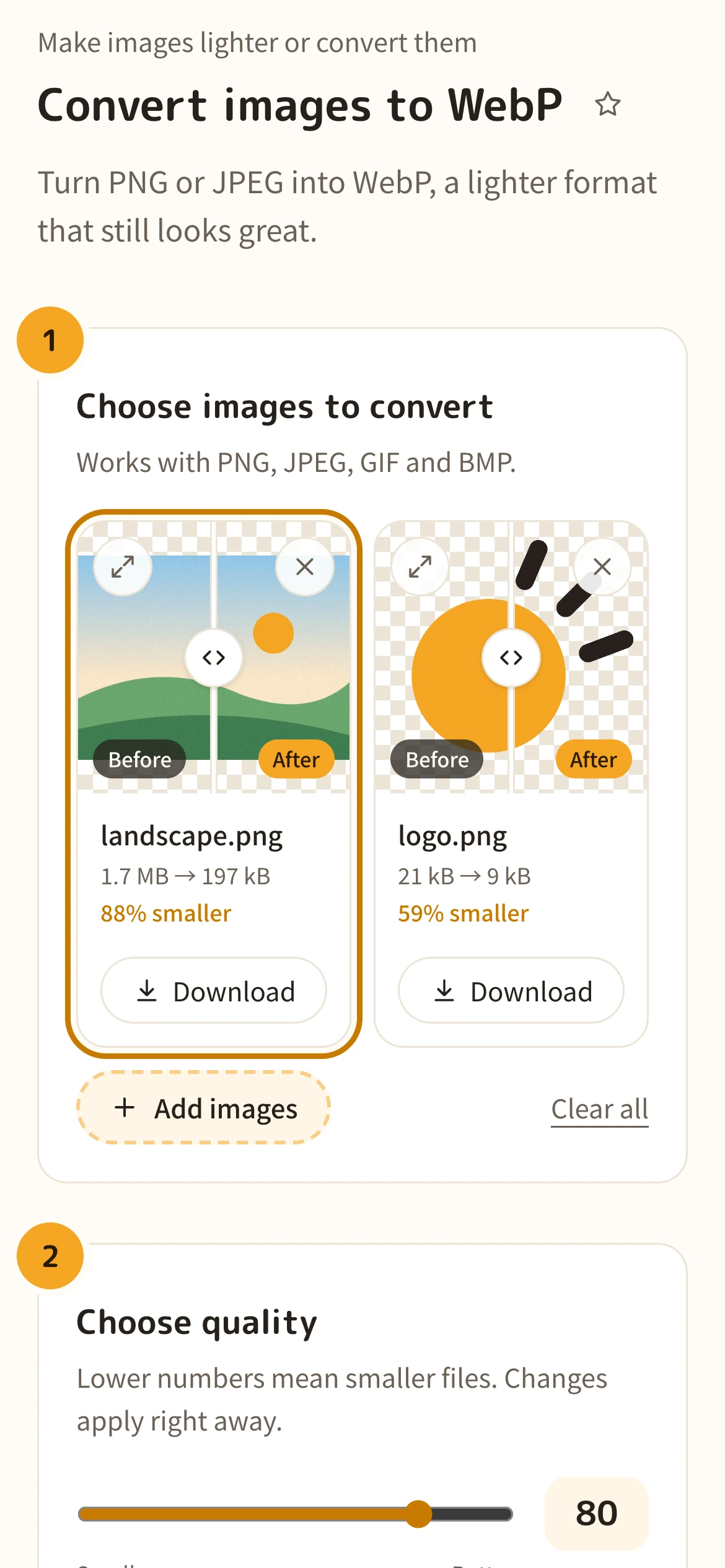
Each image is converted to WebP as soon as you add it, and you’ll see how much smaller it got. No convert button needed.
Each image is converted to WebP as soon as you add it, and you’ll see how much smaller it got. No convert button needed.
3. Pick a quality and compare
Use the “Quality” slider to balance size and quality. Slide your finger across the line on an image to compare before and after.
Use the “Quality” slider to balance size and quality. Drag the line on an image left and right to compare before and after. Use the top-left button to check it in a larger view.
4. Download
“Download all as ZIP” saves every image at once. On iPhone, files go to Downloads in the Files app.
“Download all as ZIP” saves every image at once. To save one at a time, use each image’s “Download” button.